Windows USB printer
Install WinUSB with Zadig so Caufix can see a USB ESC/POS printer.
Caufix on Windows finds USB ESC/POS printers only after the printer uses the WinUSB driver. Zadig installs that driver. Download it from the Windows section of the downloads page.
Install WinUSB
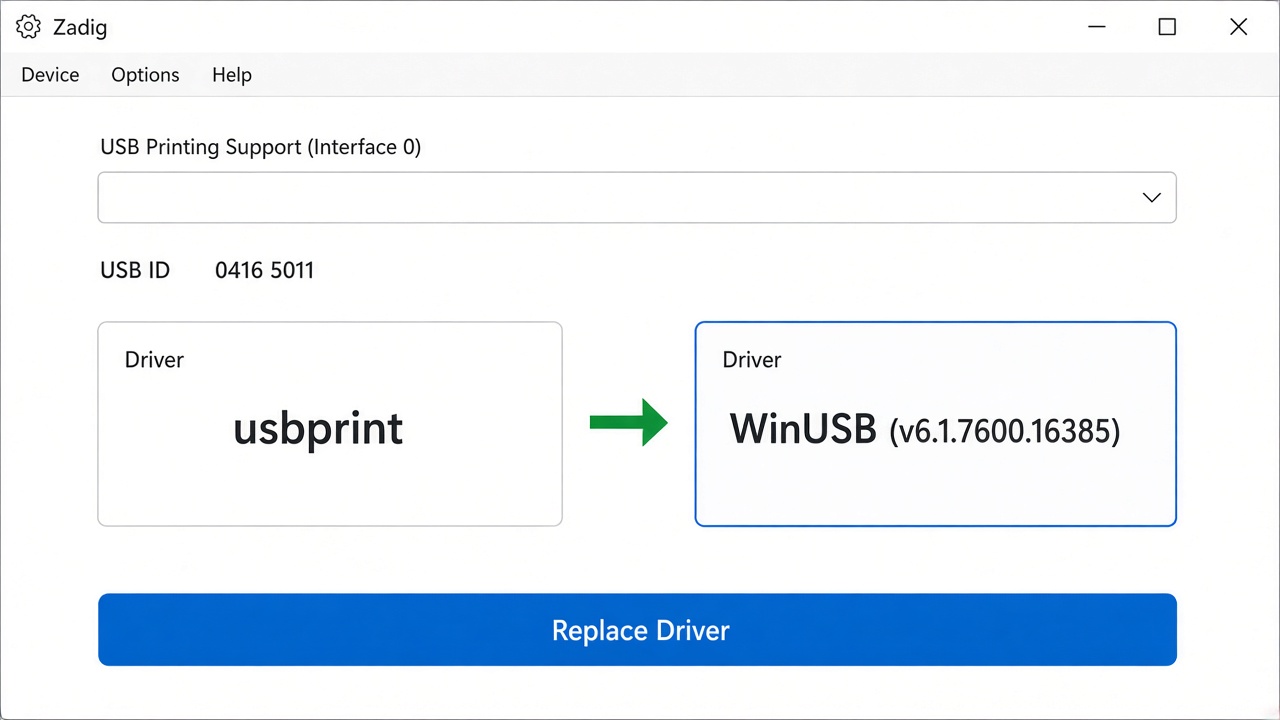
Pick the printer interface. The box on the right must say WinUSB, then click Replace Driver.
- Plug in the ESC/POS printer and turn it on.
- Open Zadig. If the printer is missing, open Options and turn on List All Devices.
- Select the printer. It is usually USB Printing Support (Interface 0) or the printer model. Do not select a hub, keyboard, or another device.
- The box on the right must say WinUSB. If it says libusb-win32 or libusbK, change it to WinUSB.
- Click Replace Driver and accept the Windows prompt.
- Open Caufix again. The printer should appear for USB printing.